PHOTO EDITING / Snapseed
Selective editing is useful when a good subject sits against a distracting background. The difficult part is judging the boundary and the amount of correction, rather than simply finding a selection button.
Choose a local reason to edit
A face in shade may need a different adjustment from a bright wall behind it. Increasing the brightness of the entire image can solve the face while worsening the wall. A local correction gives you a way to separate those decisions. Describe the intended result in visual terms, such as making the expression easier to read, instead of deciding in advance that every portrait needs a dramatic background.
A smart selection is a starting point
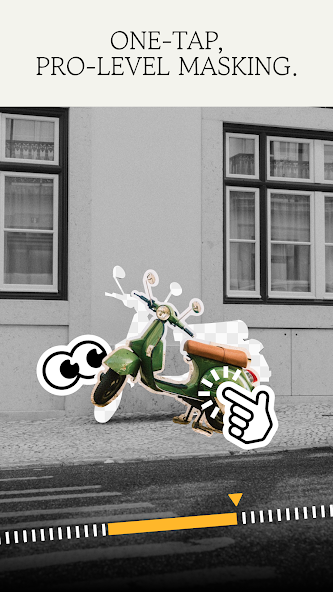
Snapseed's current Android listing describes one-touch subject and background masking as well as selective adjustments. A detected subject is still something to inspect. Hair, glasses, transparent fabric and objects held close to a person can make a boundary visually complicated. Magnify those edges, but also return to the size at which the photograph will normally be seen. A technically neat mask can still produce an unnatural-looking picture.
Keep light direction believable
If the scene is lit from one side, a correction that makes both sides of a face equally bright may remove the sense of depth. Increase the local adjustment gradually and compare against the original. Watch the transition between the corrected area and its surroundings. A glowing outline or an abrupt change in colour is a reason to reduce the adjustment, refine the selection or choose a simpler global correction.
Know when the edit is not enough
A mask cannot reliably recreate detail that was never recorded. If a bright window is featureless or the subject is severely blurred, a different frame may be the stronger choice. For documentary or review images, avoid removing relevant objects simply because a tool makes that easy. Explain meaningful alterations when they affect what the picture appears to show.
A small check to try
- Inspect hair and transparent edges.
- Compare the correction at full view, not only while zoomed in.
- Check that the subject still belongs in the same light as the background.