VIDEO EDITING / Shotcut
Shotcut combines a multitrack timeline with broad media support. Its value is easiest to assess through a small finished project, where editing, preview performance and export all have to work together.
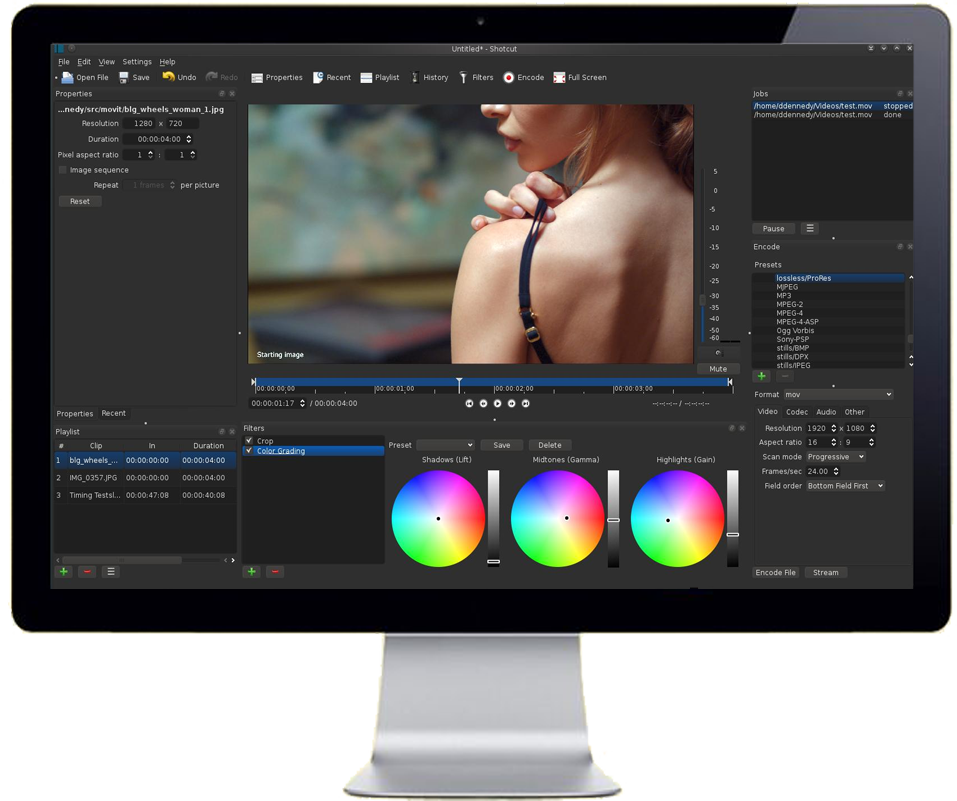
Define the output before the timeline
A short product demonstration might need a horizontal frame, readable labels, clear speech and a downloadable file. A phone-first clip may need a vertical composition instead. Decide the destination and approximate length first. Then gather only the footage, still images and audio needed for that result. A small project is easier to troubleshoot than an entire camera roll imported without a plan.
What the timeline gives you
The official feature list describes multitrack editing, trimming, filters, keyframes and support for many media formats. These are useful building blocks for placing a demonstration over narration or cutting away from a speaker to show a detail. They also introduce choices. A project with several tracks needs clear naming and a deliberate order, especially when an upper video track can obscure material below it.
Preview performance is not the final verdict
A stuttering preview can make a good edit difficult to judge. Shotcut documents proxy editing and preview scaling as options for reducing editing workload. Treat them as workflow tools, not a promise that every device will handle every source format smoothly. Judge a short exported sample as well as the live preview. Check the sample on the device that will actually play the finished video.
The real cost is the repeatable process
An editor without a purchase price still asks for learning and file management. Keep source media together, save the project with a clear name and document the export choice that worked. If your work consists mainly of applying a ready-made social template, a template-led application may suit you better. Shotcut becomes more attractive when control over timing, layers and output is worth that extra setup.
A small check to try
- Make a 30-second sample with speech, a title and one cutaway.
- Save the editable project separately from the exported video.
- Watch the export from beginning to end before sharing.