EDITING WORKFLOW / Snapseed
A reusable look can make a photo set feel coherent. Applying it indiscriminately can also repeat the wrong white balance, contrast or crop across images that were made in very different light.
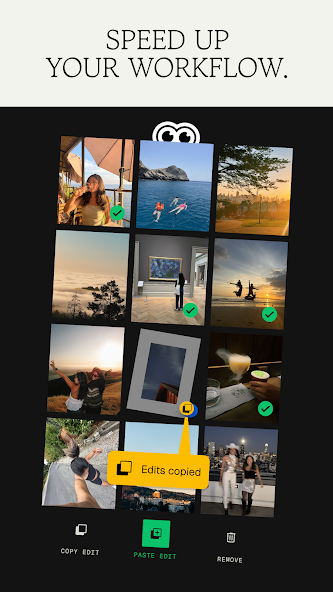
Group by conditions, not just by event
A single afternoon can include shade, bright sun, a dim restaurant and a night street. The fact that the photographs belong to one trip does not mean they need identical corrections. Separate images into a few lighting groups before trying to standardise their appearance. Within each group, choose a representative photograph that contains both the main subject and the tones you care about preserving.
Separate correction from style
Snapseed documents saved looks and batch editing. The editorial distinction worth keeping is between fixing a particular exposure problem and adding a consistent visual treatment. A correction made for one underexposed frame can be too strong for its brighter neighbour. If your saved look includes that correction, review the result rather than assuming the batch operation has finished the job.
Use a small review grid
Apply the intended treatment to a handful of images before processing a larger set. Compare faces, neutral surfaces and the brightest areas. Look for a sequence that feels related while still allowing real differences in the scenes. Consistency does not require every sky or skin tone to be identical. An image that clearly needs separate attention should be removed from the batch and handled individually.
Preserve a route back
Keep the originals and an easy way to identify the exported set. A folder name that includes the intended use is more helpful than several copies all called final. Review exports in order so that one unusually warm or dark frame does not interrupt the sequence. For an important set, deliver a small preview first and confirm the desired direction before committing to dozens of finished files.
A small check to try
- Separate indoor and outdoor lighting groups.
- Try the look on a small sample before the whole set.
- Review every exported frame for local mistakes.